Are Dreamforce Sessions Recorded? Filming Rules Explained
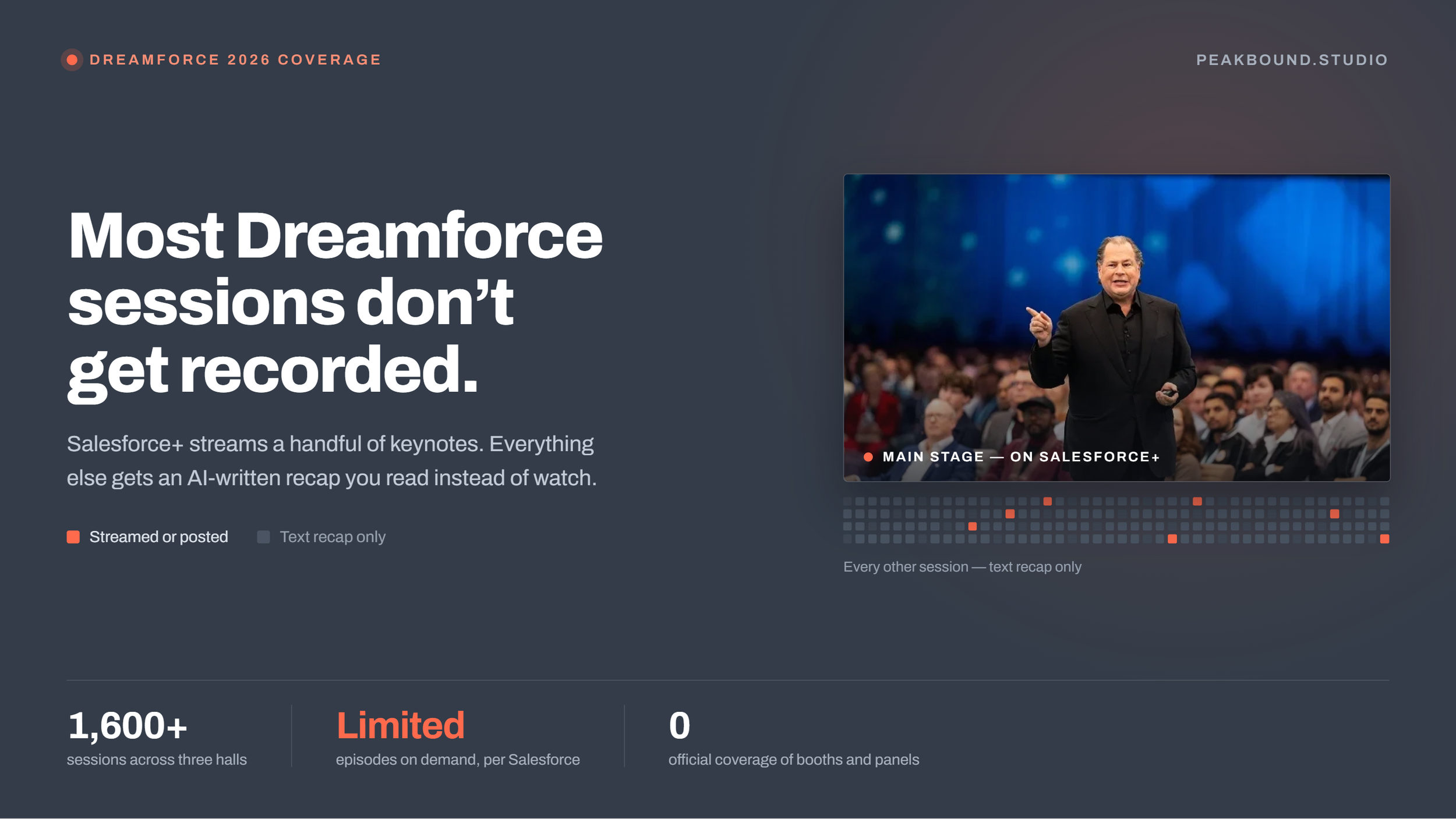
Most Dreamforce sessions don't get recorded
Dreamforce · Video Coverage
If your company is speaking at Dreamforce, sponsoring, or running a booth, there’s a good chance nobody official is filming your part of it.
Assume your session and your booth won’t be recorded. Salesforce posts a limited set of sessions on demand. The other 1,600 or so get an AI-written recap instead of video.
Moscone Center also limits outside crews, including your own team’s phone, to your contracted booth footprint. Off-site events during Dreamforce week carry no such restriction, which is where most companies end up getting their best footage.
What doesn’t get recorded at Dreamforce?
Almost everything. Dreamforce runs more than 1,600 sessions across three halls at Moscone Center, on top of the hands-on trainings and community roundtables also listed on the event page.
Only a small slice of that ever gets posted. Salesforce’s own event FAQ puts it plainly:
“Limited episodes will also be available on demand on Salesforce+.”
Salesforce, Dreamforce 2026 FAQ
Limited is the key word. For almost everything else you get an AI-generated recap, usually posted within a day. It’s fine if you just want the main points. It won’t give you real footage of what happened.
If nobody points a camera at it while it happens, it simply doesn’t exist afterward.
Booth conversations don’t make it in either. Neither do partner panels, sponsor talks, hands-on trainings, roundtables, or the moment your CEO shakes a customer’s hand on the show floor.
Can you just film it yourself?
Only inside your own booth. If nobody official is filming your session, the obvious fix is to have someone on your team do it. Moscone Center makes that harder than it sounds, since outside crews, and that includes your own team’s phone, are only allowed to film within your contracted booth footprint or a designated media area.
- ✓Filming your own booth footprint is allowed, on battery power, without setting up in the aisle.
- ✕Filming a keynote, breakout, or panel isn’t, since that content belongs to Salesforce.
- ✕Setting up gear in a walkway or aisle isn’t allowed, no matter how quick the shot.
- ✕Tapping into house sound for a session recording runs through union A/V, not a personal camera.
Worth knowing
A lot of the real value at Dreamforce doesn’t even happen on the main stage. It happens in booth chats, hallway conversations, and quick customer interviews between sessions, and none of that shows up on Salesforce+, recorded or not.
The good news: a private dinner, partner reception, or happy hour near Moscone during Dreamforce week doesn’t carry any of these restrictions at all.
What are your options for getting Dreamforce footage?
Three, and they play out pretty differently.
- Film it yourself, inside your booth footprint. Better than nothing, but you’re limited to your own booth boundary, on battery power, and shaky handheld footage with bad audio rarely turns into something you’d post or send to a client.
- Hope for the best. Your session might be one of the few Salesforce posts on demand. But you don’t control that. And even if it happens, you don’t control how it’s framed, branded, or edited either.
- Bring in your own crew, on the floor or off it. On the show floor, that means a crew that already knows how to work within your booth footprint. Away from the floor, at a dinner or reception during Dreamforce week, there’s no such limit at all: full lighting, multiple angles, and real time to get the story right.
Frequently asked questions
Are all Dreamforce sessions recorded?
No. Only a limited set get posted on demand. Most sessions get an AI-written recap instead of an actual video.
Who films your booth at a trade show like Dreamforce?
You arrange it yourself. Show organizers cover their own stage content, not exhibitor booths, so any footage of your space comes from a crew you bring in. At Moscone that crew works inside your contracted booth footprint.
Can I get a video of my own session or booth?
Not officially through Salesforce. If you want footage of your own session or booth, you’re on your own to arrange it, and Moscone Center limits that to your booth’s own footprint. Sessions themselves stay off-limits since that content belongs to Salesforce.
What about filming a dinner or reception during Dreamforce week?
That’s not covered by Moscone’s booth-footprint rules at all. An off-site event near the show gives a crew full access, full lighting, and no venue restrictions to work around.
If your moment needs its own coverage
Your session, booth, or Dreamforce week event deserves more than a text recap
We cover the specific window that matters to you, whether that’s your booth footprint on the show floor or a dinner and reception happening nearby, so you walk away with footage you can actually use.